MiniRemote
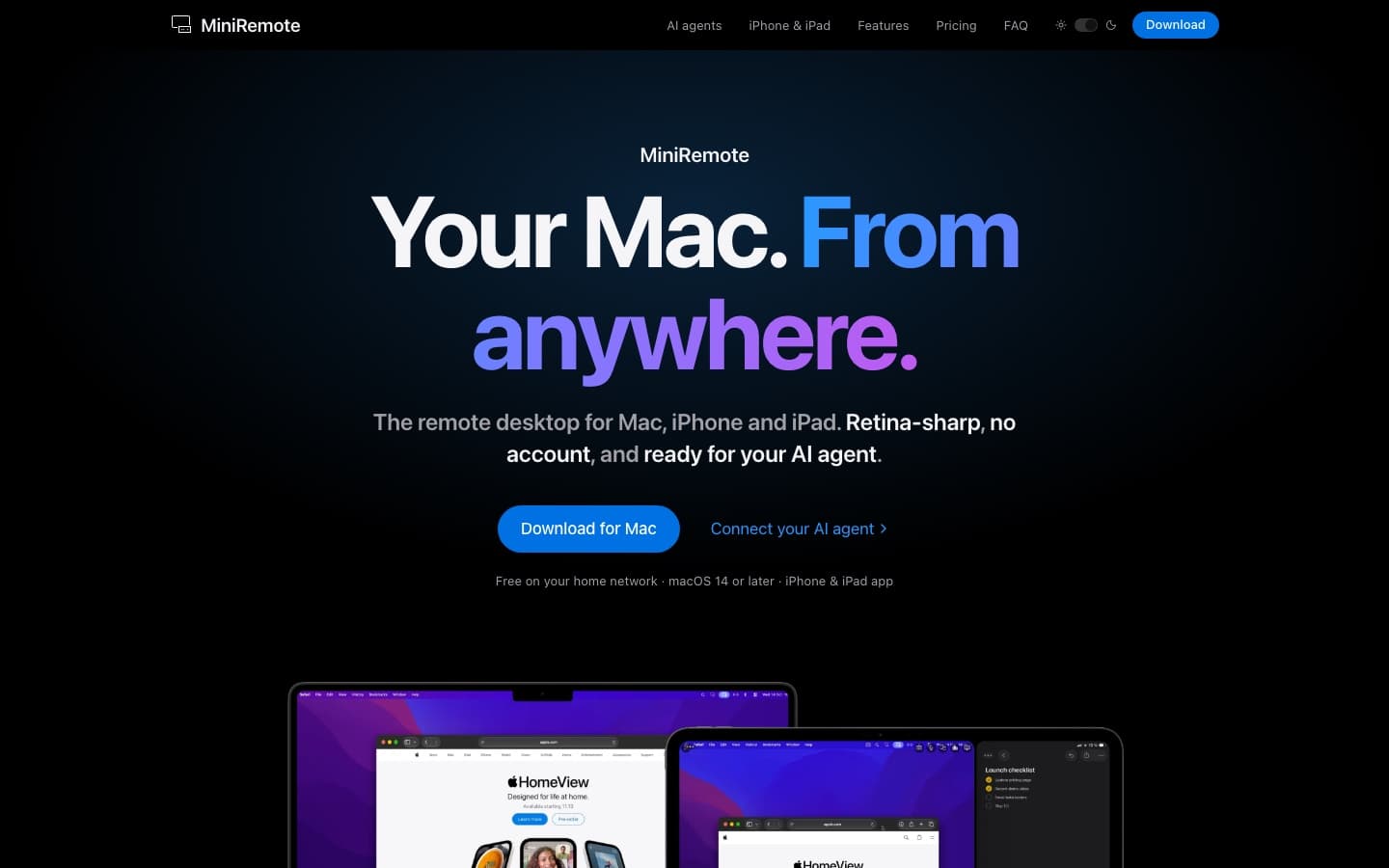
The remote desktop for Mac, iPhone and iPad. Retina-sharp, no account, ready for AI agents.
- My role
- Founder, design & development
- Since
- Status
- Active
Stack
- macOS
- iOS & iPadOS
- MCP
- Next.js
Why I built it
I run a headless Mac mini, and I wanted to reach it from my laptop, my iPhone or my iPad as if I were sitting in front of it. Existing tools felt either heavy, account-driven or blurry on Retina screens. So I built the remote desktop I wanted to use myself.
What it does
- Smooth, sharp streaming at up to 60 fps, rendered Retina-sharp at the size of my window.
- No account required. I connect with a Host ID and a password, and that's it.
- A virtual screen for headless Macs, so a Mac mini without a monitor still has a proper desktop.
- Shared clipboard for text, images and files up to 60 MB, plus sound streaming, screenshots and screen recording.
- Touch and trackpad control on iPhone and iPad, including Split View and Stage Manager.
- Automatic discovery and reconnection on the local network, and a menu bar app that can keep the Mac awake.
Built for AI agents
MiniRemote ships with an MCP server. Agents such as Claude Code, Codex, Gemini CLI, Cursor or LM Studio can see the screen, click, type and open apps, on a separate virtual screen, so they never get in my way while I keep working.
Security
Connections are encrypted and go directly between devices whenever possible, with a relay as fallback. Repeated wrong passwords lock the host out.
Business model
I offer MiniRemote free on the home network with unlimited viewers. A Pro subscription or a one-time Lifetime licence unlocks remote access from anywhere and AI agent use on up to three Macs.